
Rooms and invitations
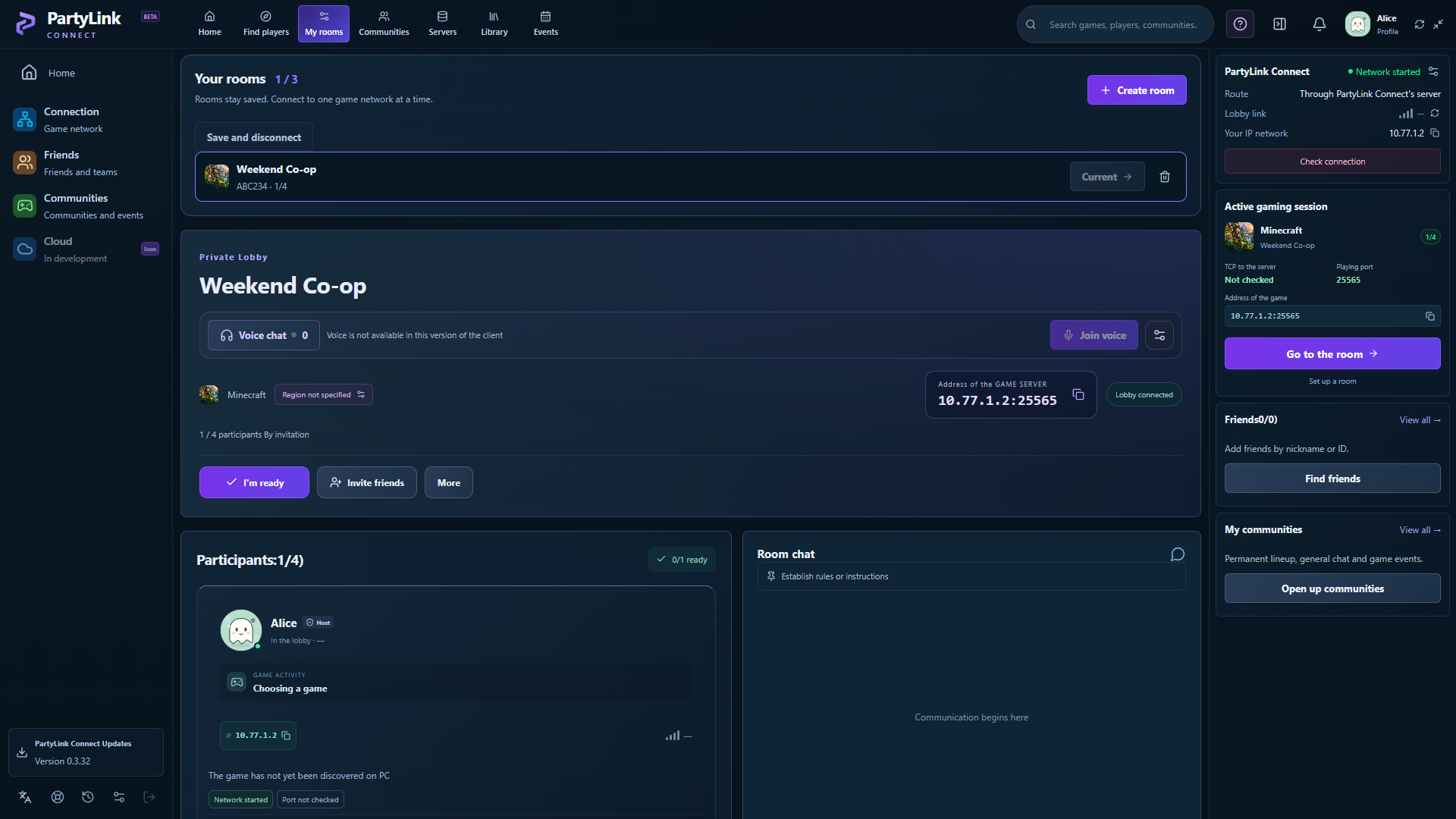
Create a room for your group. Invite friends by link or code, approve requests and keep up to three saved rooms.
A room for the whole group: talk in voice, plan in chat and prepare your connection for supported LAN or direct-IP games, even from different networks.
Windows x64 · English, Russian and Ukrainian · Games installed separately
See the app ↓

Create a room for your group. Invite friends by link or code, approve requests and keep up to three saved rooms.
Plan your session together. Select audio devices, adjust microphone gain and control each participant’s volume.
Connect supported LAN and direct-IP games through a private gaming network. Share the host’s virtual address with your group.
Find friends by nickname or ID, build a regular group and keep community conversations between sessions.
Check readiness and follow the connection instructions for your selected game. Minecraft Java includes LAN discovery support.
Get updates inside the app and export a diagnostic report that excludes passwords, private keys and tokens.
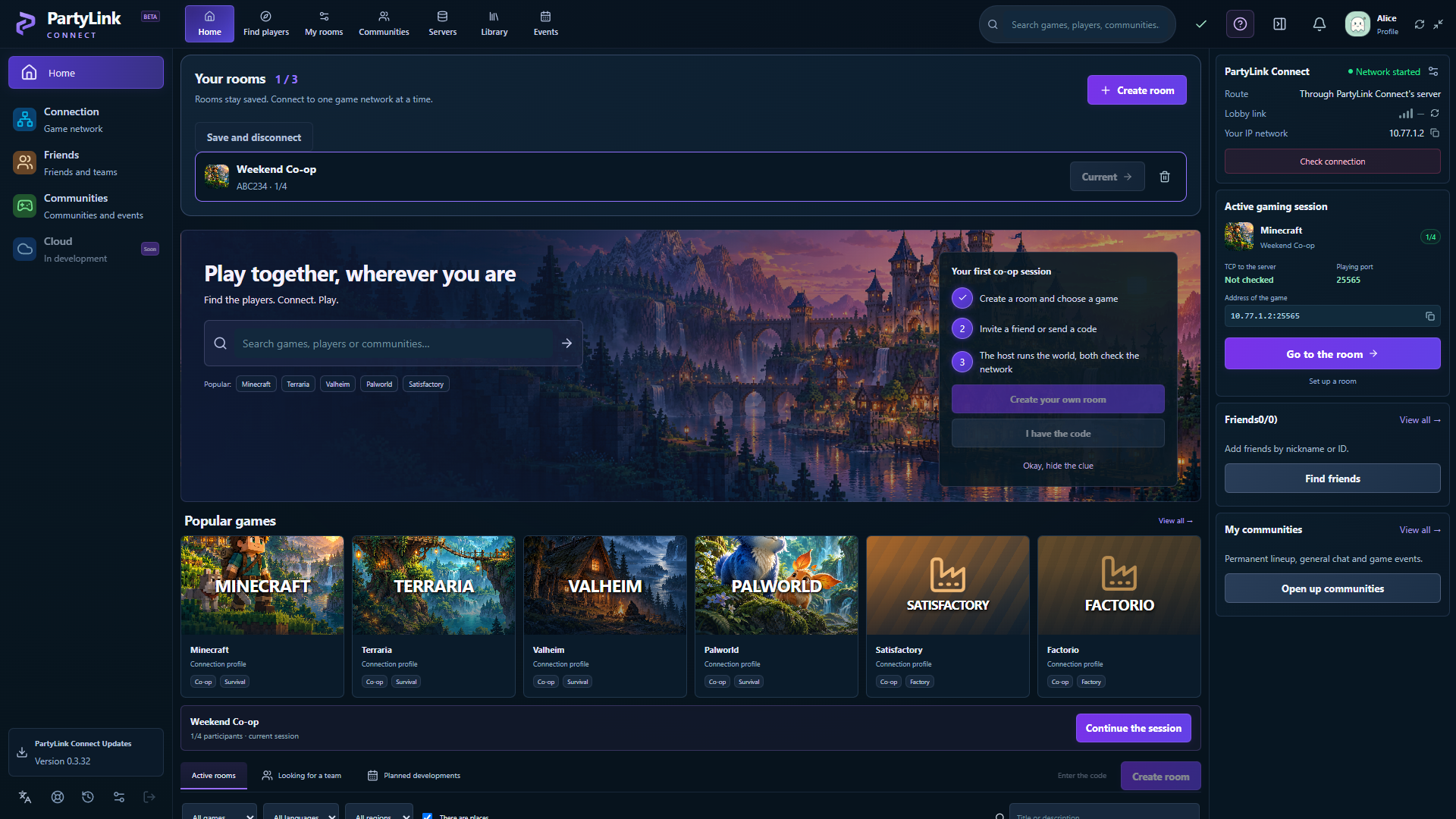
Current application screens with demonstration accounts and room data. They show the interface, not a verified connection to a game world.
No. The game needs a supported LAN or direct-IP multiplayer mode. Versions, mods, firewalls and game-specific services can affect compatibility. A catalog entry does not certify every mode or version.
No. Rooms and chat use the PartyLink service; game traffic uses a separate connection. The final check is a friend successfully joining your game world.
The gaming-network service may ask for Windows administrator permission. Chat and voice do not require installing a game.
The Windows application supports English, Russian and Ukrainian. The main website pages and privacy policy are available in English and Russian. Some documentation and development posts are currently in Russian.
The application does not implement server-side voice recording or transcription. Read the privacy policy for account, voice and networking information.
Download the current Windows build and start with a private room.